Main Window - ASCMO Cycle Generator
The  main window of the ASCMO-Cycle Generator contains the following elements:
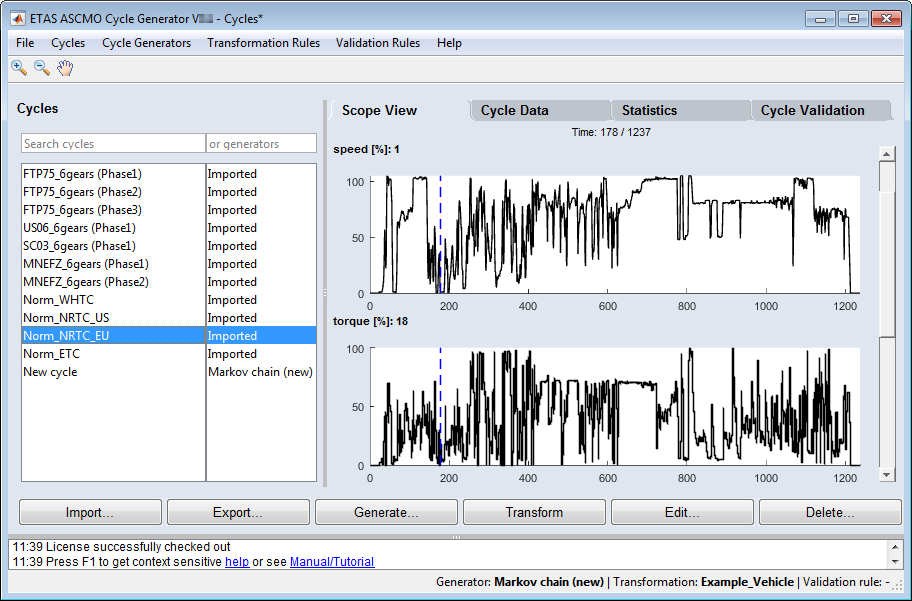
menu bar
toolbar


"Cycles" area
This area shows a table with names and generators of all cycles in the project. You can search the names column and/or the generator column by entering a search term in the respective field.
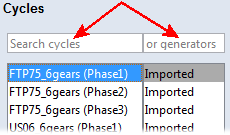
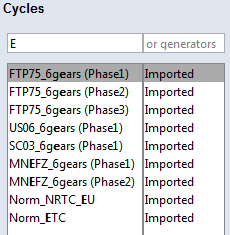
The search starts with the first keystroke in a search field. Each further keystroke refines the search. The search is caps-insensitive; "E" in the "search cycles" field returns all cycles with E or e in their names.
"Scope View" tab
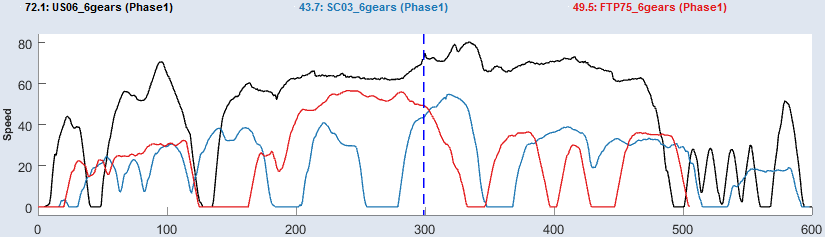
This tab shows the operating point axes of a selected cycle versus time.
If you select more than one cycle, each cycle is plotted in a different color.
"Cycle Data" tab
This tab shows the selected cycle as a table. In the table, you can edit the values in the table cells.
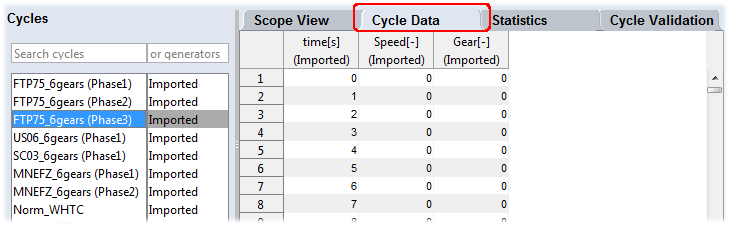
If you select more than one cycle, only the top-most is shown.
"Statistics" tab
This tab shows statistical information on the selected cycle(s).
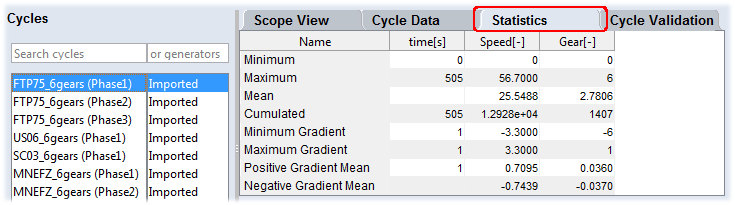
If you select more than one cycle, statistics of all selected cycles are shown.
"Cycle Validation" tab
If a validation rule is selected, this tab shows the validation results for the selected cycle(s).
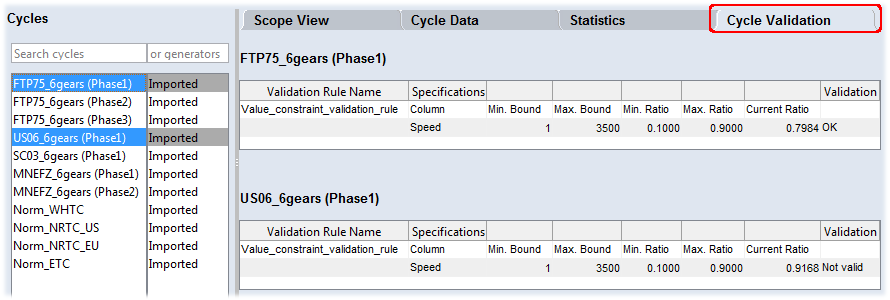
If you select more than one cycle, validation results of all selected cycles are shown.
button bar

Log window
In this area, status and error messages and tips are issued.
bottom bar
The selected cycle generator, conversion rule, and validation rule are shown at the right side of the bottom bar.

If a selected generator or rule is not correctly specified, its name appears in red font.