Importing Parameters
Parameter data in the following formats can be imported: DCM (*.dcm), Calibration Data Files (*.cdfx), comma-separated values in columns or matrix (*.csv), Excel files with columns or matrix (*.xls, *.xlsx, *.xlsm) or ASCMO projects (*.ascmo).
To import parameters, proceed as follows.
-
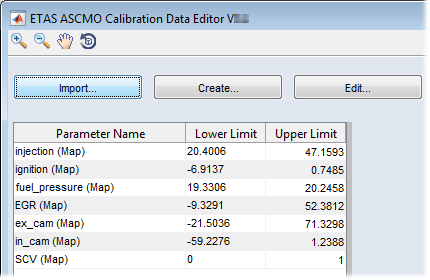
In the ASCMO-Calibration Data Editor window, click on Import.
-
In the file selection window, select the parameter file you want to import and click on Open.
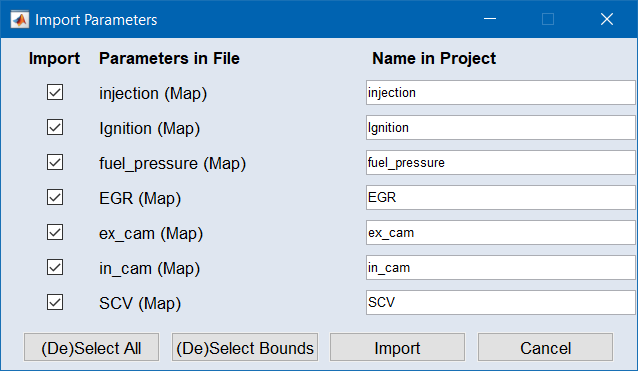
If the file contains several parameters, the
 "Import Parameters" window opens.
 -
In that window, select the desired parameter(s) and click on OK.
The selected parameters are imported. They appear
in the parameters list.