Exporting Parameters
The only way to store the parameters you have created or edited is to export them. To do so, proceed as follows.
-
In the ASCMO-Calibration Data Editor window, click on Export.
The "Export Parameters" window opens.
-
In that window, enter or select path and name of the export file.
-
In the "Save as type" combo box, select the export format.
-
Click on Save.
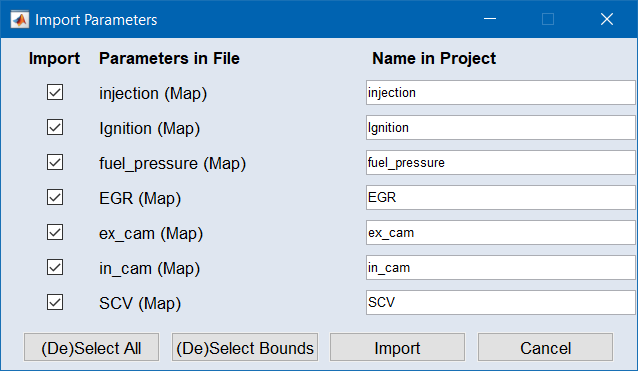
The
 "Export Parameters" window opens.
 -
In that window, select the parameter(s) and click on OK.
-
The selected parameters are exported.