Optimizing a Simulink® Model
-
Under Optimization Criteria, select the optimization criteria that are based on the outputs.
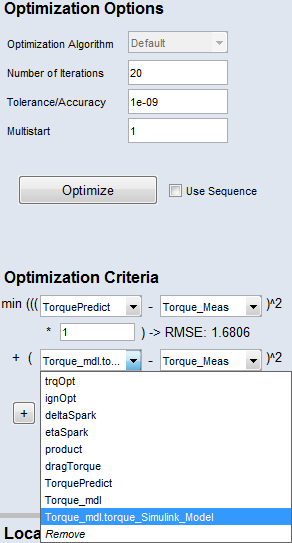
-
Click the Optimize button.
The optimization of the Simulink model is started. Information about the optimization can be found in the Log window (for example on iterations, RMSE). The resulting RMSE is shown below each optimization criterion.