Showing Data
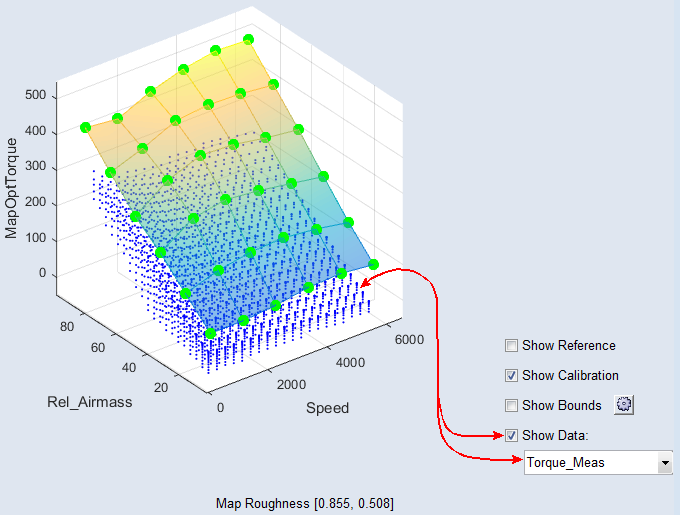
Proceed as follows to visualize data points in a parameter plot.
-
In the "Parameter" table, select a map, curve, or cube.
-
Activate the Show Data option at the bottom right of the window.
-
From the combo box next to Show Data, select the data channel or function node you want to display.
The data of the selected channel or node are shown as blue dots.