Search Results View
The Search Results view can appear in several versions.
version name | opened via | ||
Search Result | Show Unused Elements option in the Extras menu
| ||
Elements referencing '<element>' | Show Referencing Elements option in the Extras menu or the element's context menu
| ||
Connected Elements Only available in block diagrams for actions/conditions. | Browse Connected Elements context menu option
|
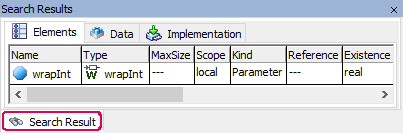
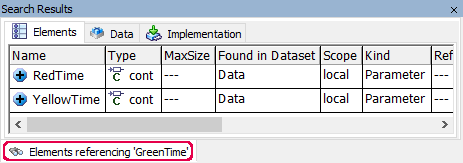
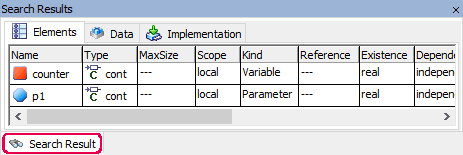
Each version contains the following elements:
Elements tab
This tab corresponds largely to the Element view of the Component Manager.
The Elements Referencing * version has an additional column, Found in Dataset. If applicable, this column contains the name(s) of the dataset(s) where the referenced element was found.
 EXAMPLE
Data tab
This tab corresponds to the Data view of the Component Manager.
Implementation tab
This tab corresponds to the Implementation view of the Component Manager.
context menus
The context menus of the Search Results view contains largely the same context menu options as the tabs in the Browse view.
For the Search Result version, the context menu in the Elements tab contains
the following additional option.For the Elements Referencing * version, the context menu in the Elements tab contains
the following additional options.
See also
Searching/Deleting Unused Elements