Layout Editor
When you include a component, it appears as a graphical block in the drawing area of the block diagram or project editor, with the interface elements of the component represented by the input and output pins of the block.
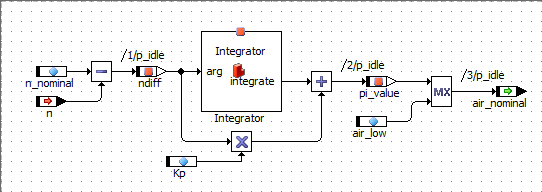
You can change the appearance of the graphical block with the layout editor. It is possible to add an icon, move the input and output pins around, and to change the size and color of the block. Depending on the type of component, you can also enable or disable component methods or processes to determine its public interface.
The layout editor can be called from all component editors and the Component Manager.
See also