Importing Projects
Projects are imported like all other database/workspace items. Any modules belonging to a project that are not available in the database or workspace after an import are shown in the element display of the Component Manager.
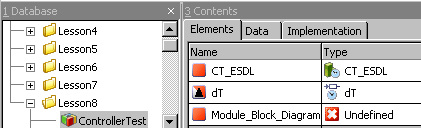
If the project is opened in the project editor (see Project Editor), the names of the missing modules appear in the Outline tab. In the operating system editor (OS tab), the missing processes are deleted from the Processes field, they are, however, retained in the task list as open references (undef::undef).
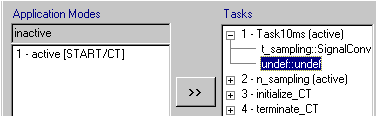
You can import the missing modules at a later time even if you have opened the project. Afterwards, the project has no open references, and the processes are automatically inserted into the right tasks.
See also