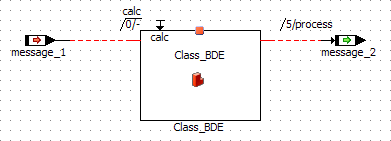
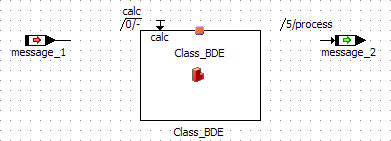
Example: Show Missing Pins and Connections
A block diagram component contains the following class:
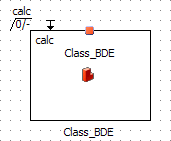
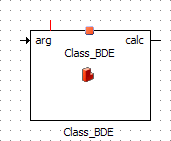
The included class is opened with a double-click, and an argument and a return value are added. After returning to the parent component, the included class looks as follows, depending on the setting of Show Missing Pins and Connections (ASCET options window, Block Diagram node):
option activated | option deactivated |
|
|
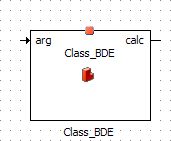
The parent component is edited as follows:
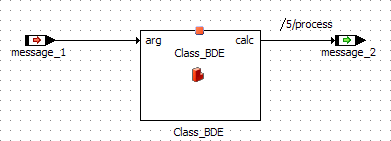
The included class is opened again, and the argument and return value are removed. After returning to the parent component, the included class looks as follows:
option activated | option deactivated |
|
|