Search Results View
The Search Results view can appear in several versions.
version name | opened via | ||
Connected Elements Only available in the | Browse Connected Elements context menu option
| ||
Search Result | Show Unused Elements option in the Extras menu
|
 EXAMPLE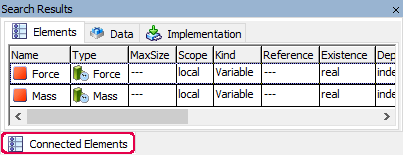
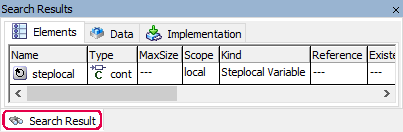
Each version contains the following elements:
Elements tab
Data tab
This tab corresponds to the data view of the Component Manager.
Implementation tab
This tab corresponds to the implementation view of the Component Manager.
context menus
The context menus of the Search Results view contain the same context menu options as the context menus in the respective views of the component manager.
For the Search Result version, the context menu in the Elements tab contains the following additional option:
Go To
Opens the Ignored Elements window that lists all variants that use the element.
See also
Searching/Deleting Unused Elements