Editing the Views of a Diagram Item
You can edit the display of individual diagram elements (basic elements, included components, operators, connections, etc.) in the different views. The command is available for all diagram elements.
- Select the element whose display you want to edit.
Do one of the following:
- In the Window menu, select Views.
- Right-click the diagram element and select Views from the context menu.
The Views window opens. It shows all views defined in the current database/workspace.
- Open the combo box of the required view.
Select the required representation for the diagram element from the combo box.
Note
Invisible is the only selection that has a visible effect on comments in block diagrams.
- Use the Apply to all graphical objects of the same type and Apply to all occurrences of this element options to determine the range of your settings.
Click OK to confirm your selection.
The element is displayed in the selected view in accordance with your selection.

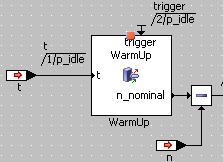
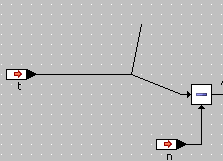
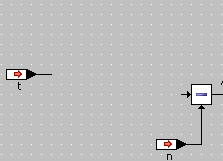
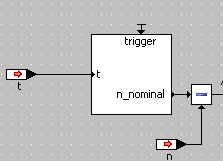
For graphical comments, there is an easier way to edit the views; see Adding and Editing a Comment.
See also
Views Window (Graphical Editors)